Because Logging Foot is designed to be simple and lightweight, you can begin integrating the SDK immediately after installation.
No complex initial setup is required, and the system is ready to run as soon as the integration is complete.
Start by Running the Sample Program
After downloading the Logging Foot package, start by running the sample program.
Sample SDK programs are available in the following languages. Choose the one that matches your development environment:
C++, C#, VB, Python, JavaScript
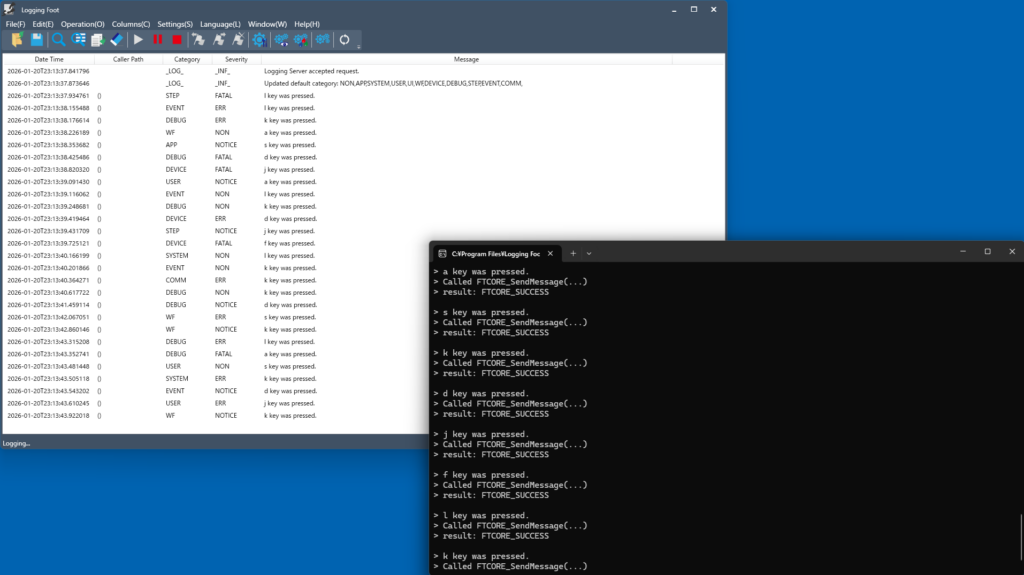
Start by trying the simplest sample program, Sample_StartProcess.
- Launch the Viewer application to display logs.
- Next, run the sample application that outputs logs.
- When you type a key in the sample application, the entered text will appear in real time in the Viewer.
Let’s Integrate It!
The quickest way to get started is to implement the SDK exactly as shown in the sample program.
As long as you have basic programming knowledge, integration is simple for anyone.
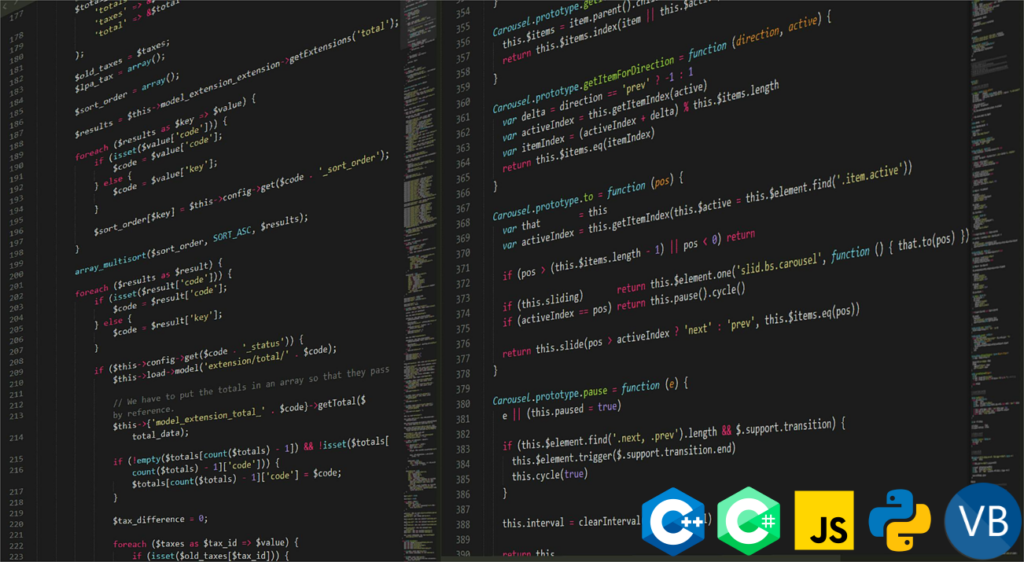
Although the SDK itself is implemented in C++, wrapper programs are provided for the languages below, allowing you to call the SDK directly:
C++, C#, VB, Python, JavaScript
Since the SDK specifications are publicly available, you can also create your own wrapper program to use the SDK in languages other than those listed above.
Comprehensive Documentation
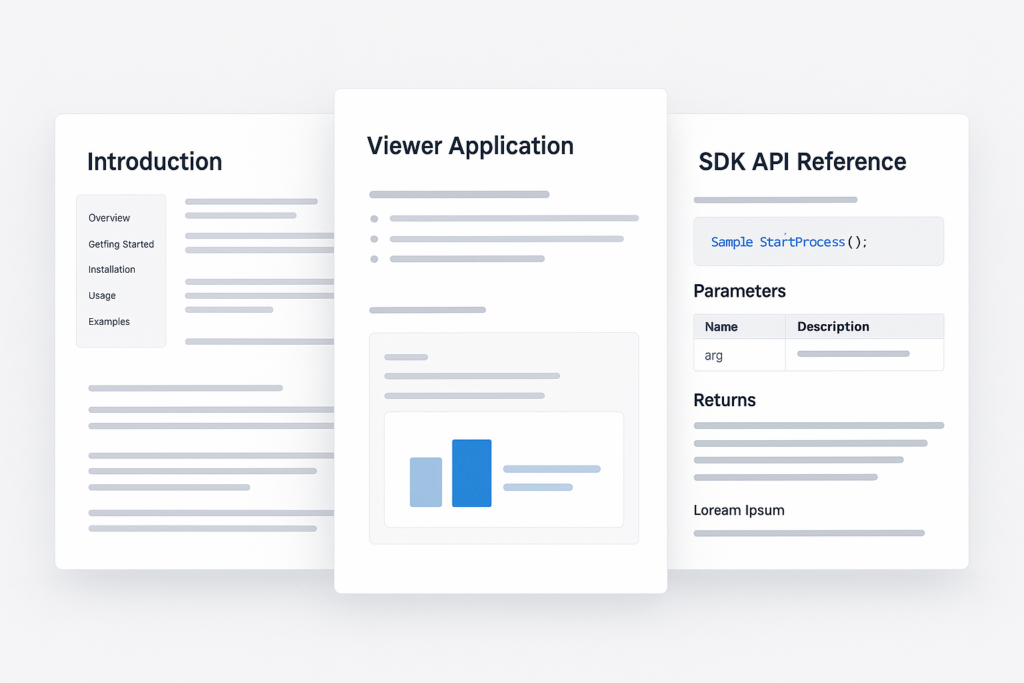
Logging Foot provides a complete set of developer documentation to guide you smoothly from installation to implementation and operation.
We offer an Introduction Guide that covers the product overview and setup steps, an Operation Manual for the Viewer application, and an API Reference detailing how to use the SDK and its available APIs.